
Welcome to GRCC Information Technology. We hope you'll find the resources you need provided on our website, but we're here to provide additional assistance via chat or our IT Support Portal.
Acceptable Use Agreement
The Acceptable Use Agreement is intended to ensure that students' and employees' use of GRCC technology adheres to applicable regulations and laws, as well as the college’s mission and business practices. Anyone who receives a GRCC network user ID is responsible for the actions taken while using that ID and/or computer systems user ID code.
Faculty & Staff
Leadership

Debra Hintz
Chief Information Officer/VP
(616) 234-2598
Professional Support Staff

Janyxa Avalos
Media Support Professional
(616) 234-3668

Carrie Magnanti
Administrative Assistant to Chief Information Officer
(616) 234-2598
Staff

Antonio Aguillon Huerta
IT Desktop Support Team Coordinator
(616) 234-3651

Jacob Barczak
IT Support Desk Technician
(616) 234-3593

Rachel Bower
IT Support Desk Team Coordinator
(616) 234-2448

Chelsea Bozzo
Video Production Coordinator
(616) 234-3831

Stephen Brozek
IT Endpoint Management Senior Systems Administrator
(616) 234-3734

Hope Carns
IT Support Desk Technician
(616) 234-3434

James Carte
Associate Application Analyst
Leslie Cisneros
Technology Store Clerk

Dan Cook
IT VOIP Analyst
(616) 234-3748

David Dick
Director of Administrative Enterprise Applications
(616) 234-3048

Bryan Door
IT Desktop Technician
(616) 234-3188
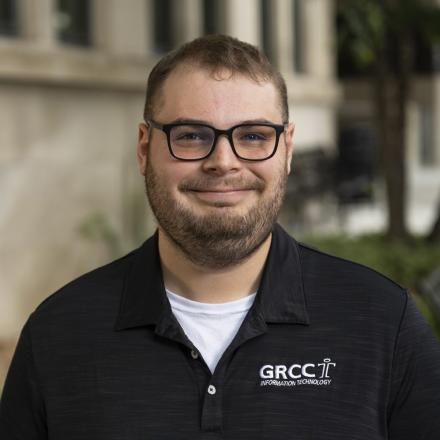
Shawn Dymond
Enterprise Analyst
(616) 234-2205

Erich Flynn
Network Engineer
(616) 234-3683
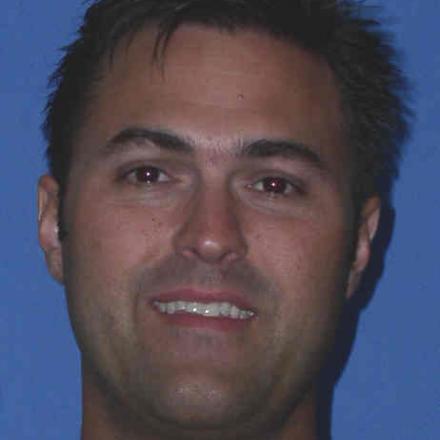
Jesse Fuzi
IT Database Administrator
(616) 234-3713

Cody Giba
IT Project Manager
(616) 234-2186

Jeffrey Hackbarth
IT Enterprise Analyst
(616) 234-2178

Nathan Hamilton
Director of Academic Enterprise Applications
(616) 234-4591
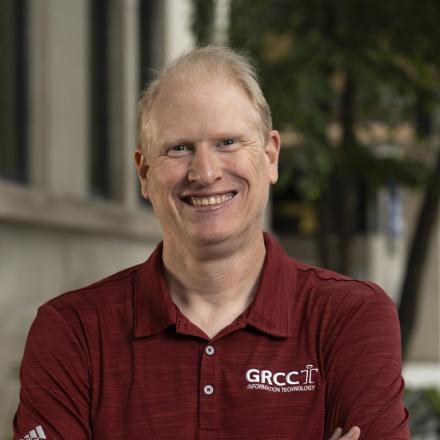
Jason Hansen
Associate Enterprise Analyst
(616) 234-3053

David Houseman
Senior Enterprise Systems Administrator
(616) 234-2305

Eric Johnson
IT Enterprise Analyst
(616) 234-3571

Brandon Kaines
Chief Information Security Officer
(616) 234-2211
Nicholas Kuehn
Service Management Analyst

Ross Kuiper
Enterprise Application Analyst
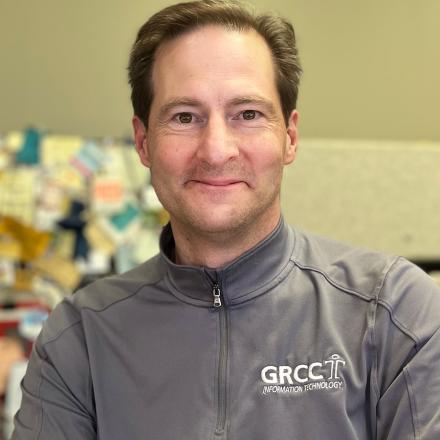
Klaas Kwant
Director of IT Media Technologies
(616) 234-3833

Kevin Lee
Video Content Production Manager
(616) 234-3976
Sandra Likic
IT Project Manager

Hector Marin Moreno
Computer Technician
(616) 234-2133

David McMullin
Enterprise Systems Architect Manager
(616) 234-2394

Noah Mihalik
Systems Administrator - Endpoint Management Department: Customer Support
(616) 234-3608

Scott Minton
Lead Cybersecurity Analyst
(616) 234-2277
Daniel Pilarski
Enterprise Systems Developer Manager

Paul Siegel
IT Infrastructure Analyst
(616) 234-4623

Darcy Swope
IT Enterprise Analyst
(616) 234-3455
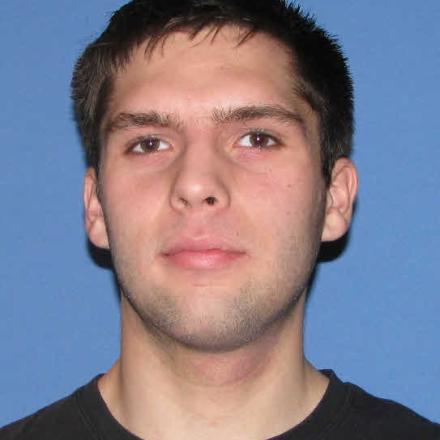
Benjamin Thompson
Automation Network & Lab Administration
(616) 234-2367

Todd Torrey
Media Technologies Engineer
(616) 234-3836

Ole Tundevold
IT Support Desk Technician
(616) 234-3379
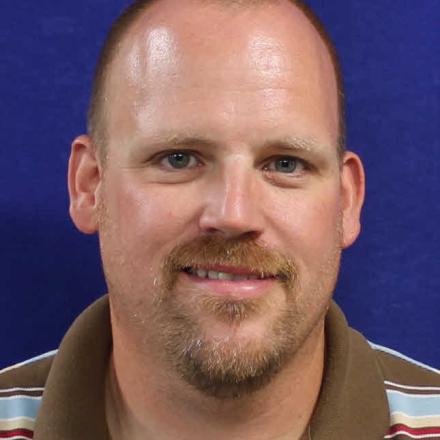
Brad VandenBosch
Infrastructure Technician
(616) 234-3157

Jeff VanderVeen
Director of IT Project Management, Procurement & Licensing
(616) 234-2196

Tom Vartanian
IT Desktop Support Technician

Bryan Vliem
IT Enterprise Analyst
(616) 234-2585
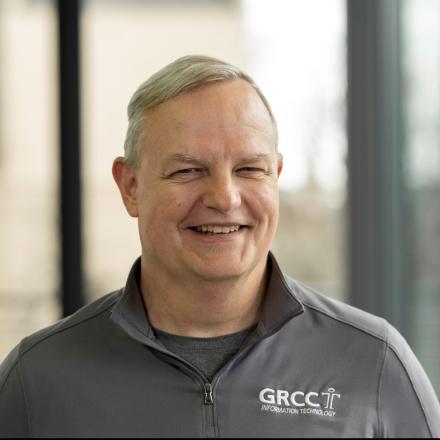
Ed Walker
IT Enterprise Systems Engineer
(616) 234-3632
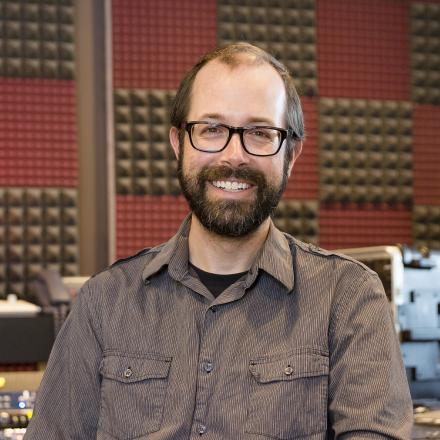
Roy Wallace
Media Tech Engineer/Instructor
(616) 234-3832

Donovan Wallace
IT Infrastructure Director
(616) 234-3633

Ryan Warblow
IT Enterprise Engineer
(616) 234-3572

Kelly Webber
Director of IT Service Management & Endpoint Solutions
(616) 234-4334

Bradley Wells
Associate Enterprise Analyst
(616) 234-3117

Shawn White
Classroom/Event Support Technician
(616) 234-3864
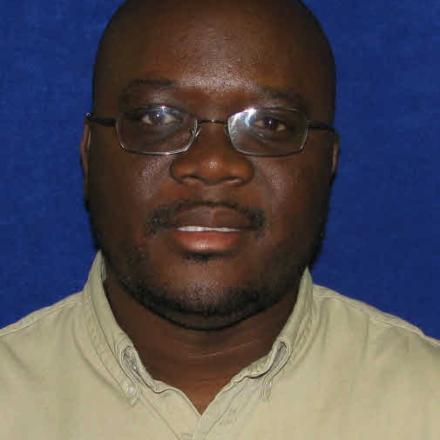
Saibo Williams
IT Desktop Technician
(616) 234-3480

Noah Wilson
Cyber Security Analyst
(616) 234-3621