
Welcome to your faculty hub for collaborative growth and inclusive practice.
At GRCC, we recognize that teaching and learning happen everywhere, every day. TLDE serves as your partner in this journey, providing the resources and support needed to enhance the faculty and student experience across all modalities.
Mission: TLDE centers inclusive practice by partnering with faculty through professional learning, course design, and technology support. By celebrating teaching excellence, we advance student success in every learning environment.
Our Foundational Framework
The Good Practices for Inclusive Teaching and Learning framework provides an evidence-based foundation for today’s multimodal landscape. Collaboratively adapted and modernized by faculty and staff to align with GRCC’s mission, vision and values, these guidelines synthesize seminal teaching principles (Chickering & Gamson, 1987) with contemporary research in equity, belonging and digital pedagogy (Artze-Vega et al., 2023; Cohen, 2022; Gordon, 2024; Vaughan et al., 2024).
- Promote communication and trust between student and educator.
- Cultivate community and collaboration among students.
- Design for active learning and engagement.
- Facilitate critical thinking and reflection.
- Generate prompt, meaningful, and multimodal feedback loops.
- Optimize time on task.
- Communicate high expectations and confidence in student abilities.
- Incorporate diverse talents and multiple ways of learning and knowing.
Get Involved with TLDE
TLDE’s strategic direction and work around campus is shaped in conjunction with many groups. Our work would not be possible without the input of faculty, staff, and administrative partners. Learn more about how to get involved!
Faculty & Staff
Leadership

Amy Lyn
Executive Director of Teaching, Learning, and Distance Education
(616) 234-3368
Professional Support Staff
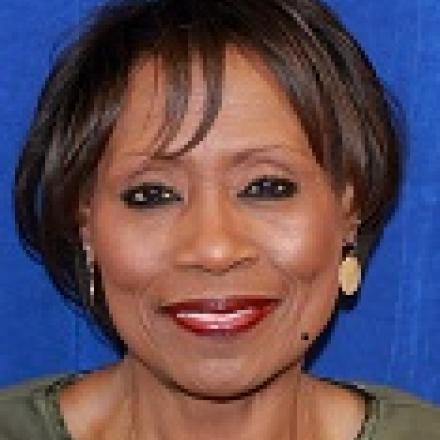
Toy McNeal
Support Professional
(616) 234-2180
Faculty

Garry Brand
Professor and TLDE Online Faculty Trainer

Tony Dykema VanderArk
Professor and Quality Matters Peer Reviewer
(616) 234-3068
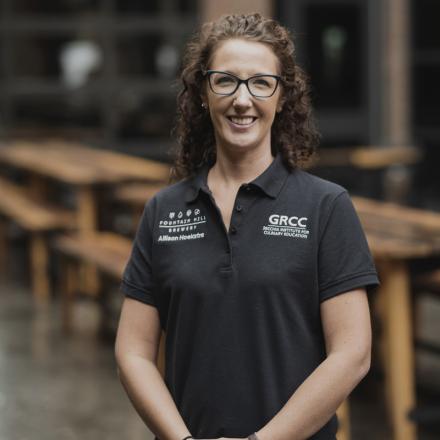
Allison Hoekstra
Assistant Professor and Canvas Faculty Liaison
(616) 234-3708
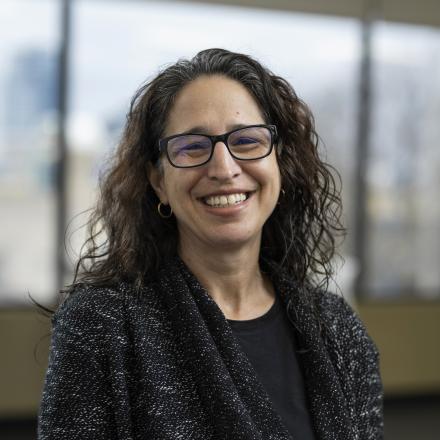
Rachel Lutwick Deaner
Associate Professor and TLDE Faculty Professional Development Liaison
(616) 234-3088
Christina McElwee
Associate Professor and TLDE Faculty Special Programs Liaison
(616) 234-4393

Michelle Richter
Program Director and Department Head Liaison
(616) 234-4231

Samantha Sprague
Associate Professor and Quality Matters Peer Reviewer
(616) 234-4409

Melissa Ware
Director/Assistant Professor/Counselor/Non-Classroom Faculty Professional Learning Liaison
(616) 234-3486

Lauren Woolsey
Associate Professor; Open Educational Resources Coordinator
(616) 234-4259
Adjunct Faculty
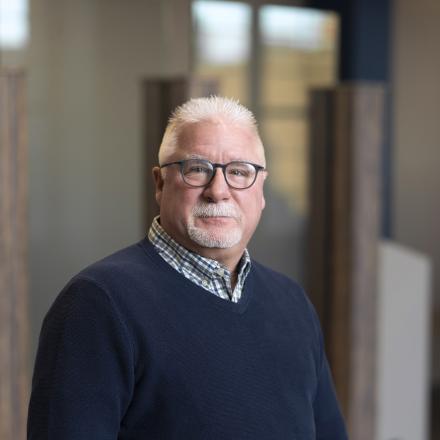
Doug MacNeil
Instructor and Canvas Faculty Liaison

Alyssa Spoolstra
Adjunct Professor and TLDE Adjunct Faculty Liaison
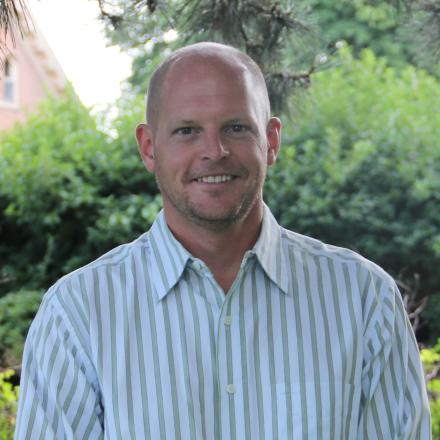
Chad Sytsma
Adjunct Professor and Distance Education Faculty Liaison
Staff

Ian Matthews
Instructional Designer
(616) 234-2395

Justin Vogelar
Educational Technologist
(616) 234-2198