
Notice: Location
New location: During renovations, Academic Support & Tutoring Services office will be in Room 214 in the ATC (2024-2025).
Free GRCC Tutoring
Academic support is 100% free for all current GRCC students. Tutors offer one-on-one or small-group help to boost your skills and confidence.
How to Get Started
Find Your Class on Canvas
Visit your specific Tutorial Center’s Canvas page to check exact hours, available resources, and Zoom links.
Choose Your Format
- Drop-in Tutoring: No appointment needed. Just stop by during open hours.
- Appointments: Scheduled sessions held either in person or virtually via Zoom.
Biology
- Location: 106 Calkins Science Center, Biology Tutoring and Learning Center
- Classes we assist with:
- All Biology classes.
- ENS201
- Drop-In and Appointments: Please check Canvas for details
- Contact: Holly Christopher | (616) 234-3953 | BTLC@grcc.edu
Business
- Location: 201 Cook Academic Hall, Business Tutoring and Learning Center
- Classes we assist with:
- All business and accounting classes (BA).
- Drop-In and Appointments: Please check Canvas for details
- Contact: Brian Daily | (616) 234-4326 | BusinessTutor@grcc.edu
CAD Tutoring and Learning Center
- Location: 215 Wisner-Bottrall ATC
- Classes we assist with: mechanical and architectural classes
- Drop-In: Please check Canvas for details
- Contact: Sue Del Raso | (616) 234-3671 | Tutoring@grcc.edu
Calculus & Physical Science
- Location: 103 Calkins Science Center, Calculus & Physical Science
- Classes we assist with:
- All CHM, PH, AS and GL classes.
- MA129, MA133, MA134, MA245, MA250, MA255, MA257 and MA259
- Drop-In: Please check Canvas for details.
- Appointments: All CHM courses and MA133, MA134, Schedule an Appointment.
- Contact: Michael Bell | (616) 234-3528 | Tutoring@grcc.edu
CIS Tutoring and Learning Center
- Location: 215 Wisner-Bottrall ATC
- Classes we assist with: Microsoft Office, programming and web design classes
- Drop-In: Please check Canvas for details
- Contact: Sue Del Raso | (616) 234-3671 | Tutoring@grcc.edu
Health Sciences
- Location: 401 Cook Academic Hall, Health Sciences Tutoring and Learning Center
- Classes we assist with:
- All ADN, PN, DA, DHY, OT, and RT classes.
- NUR 100, NUR 115
- DXX 104, DXX 115 and DXX 128
- GH 110, GH 111, GH 120, GH 125 and GH 200
- EXS 184, EXS 198 and EXS 203
- MAPR 110
- Drop-In and Appointments: Please check Canvas for details
- Contact: Alexis Salgat | (616) 234-4320| HealthTutoring@grcc.edu
Lakeshore
- Location: 128 Resource Room, Lakeshore Campus
- Contact: Kerry Hayward | (616) 234-3476| LakeshoreTutoring@grcc.edu
Language Arts
- Location: 501 Cook Academic Hall, Language Arts Tutoring and Learning Center
- Classes we assist with:
- Reading and writing for any class offered at GRCC.
- Learning and understanding foreign languages.
- Drop-In Tutoring: Please check Canvas for details
- Computer Lab: Monday-Thursday 10 a.m.-6 p.m.
- Appointments: Schedule an Appointment
- Contact: Daniel Sullivan | (616) 234-2267| danielsullivan@grcc.edu
Promise Zone
- Location:
- Main Office: 2nd Floor, Ender Hall
- Tutoring: Innovation Central High School
- Classes we assist with:
- Algebra 1
- English 9
- Drop-In: Monday-Friday 7:30 a.m.-4 p.m. Open until the end of May.
- After-School Tutoring available to all students
- Contact: Jeremi Merrill | (616) 234-3213
Mathematics
- Location: 100 & 105 Cook Academic Hall, Mathematics Tutoring and Learning Center
- Classes we assist with:
- MA 12, MA 15, MA 16, MA 22, MA 112, MA 115, MA 116, MA 122, MA 128, MA 136, MA 148, MA 215, MA 226, MA 227 and MA 240
- TE 103 and TE 104
- Drop-In and Appointments: Please check Canvas for details
- Contact: Shih-Wei Hsieh | (616) 234-3510 | MathTLC@grcc.edu
Science Computer Lab
- Location: 104 Calkins Science Center, Biology Tutoring and Learning Center
- Drop-In: Monday-Thursday 9 a.m.-7 p.m., Friday 9 a.m.-3 p.m.
- Contact: Holly Christopher | (616) 234-3953 | BTLC@grcc.edu
Resources
Faculty & Staff
Leadership
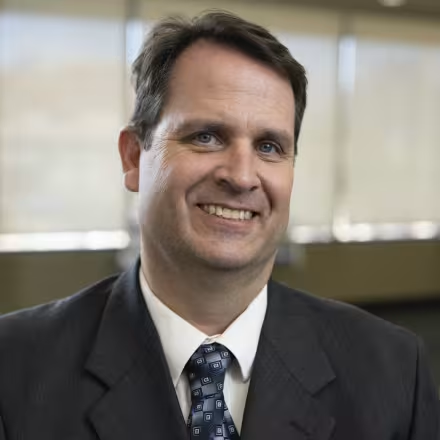
Brian Beecher
Associate Dean of Student Learning Resources
(616) 234-3869
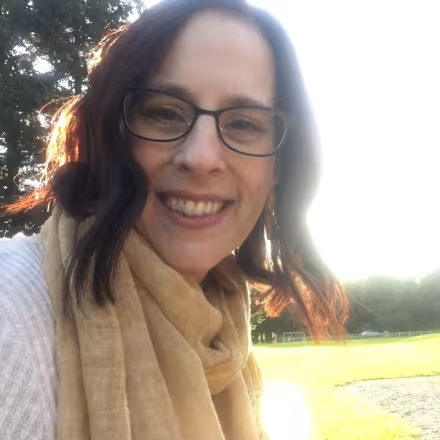
Holly Christopher
Assistant Professor
(616) 234-3894
Professional Support Staff
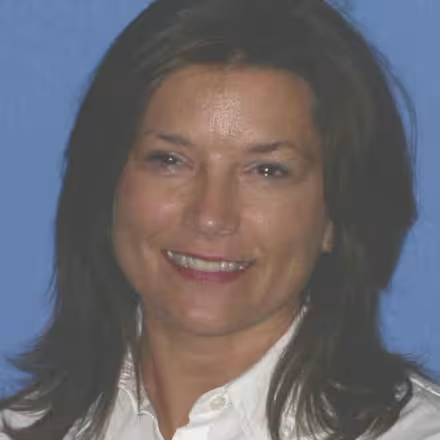
Laurie Witczak
Educational Support Professional
(616) 234-4149
Faculty
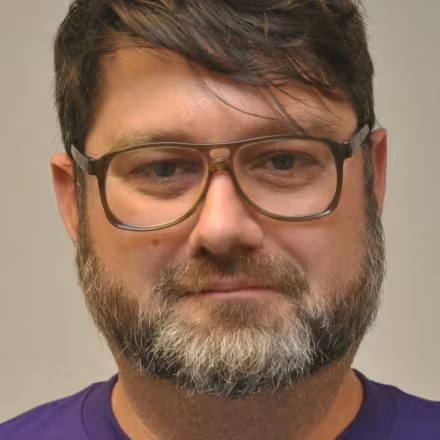
Michael Bell
Calculus and Physical Science Tutorial Lab Coordinator
(616) 234-2372
Brian Daily
Tutorial Coordinator
(616) 234-3511
Sue Del Raso
Technology Learning Center Coordinator
(616) 234-4538

Adam Hampton
Social and Behavioral Sciences Tutorial Coordinator
(616) 234-3647
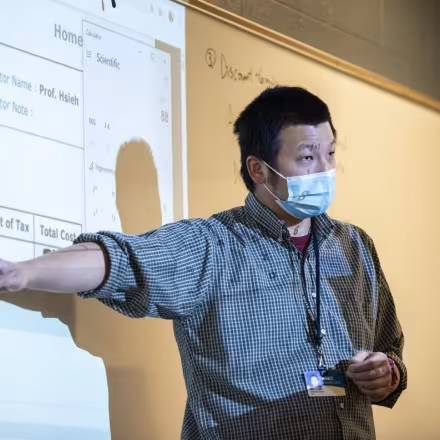
Wayne Shih wei Hsieh
Math Prep & Learning Lab Tutorial Coordinator
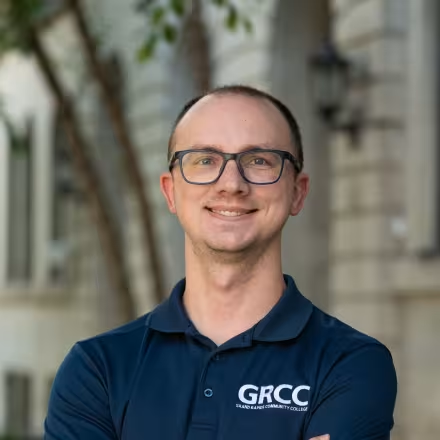
Jeremi Merrill
Promise Zone Tutorial Center Coordinator
(616) 234-3213
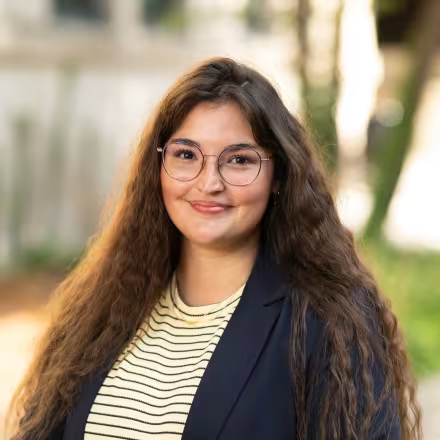
Alexis Salgat
Health Sciences Tutoring and Learning Center Coordinator
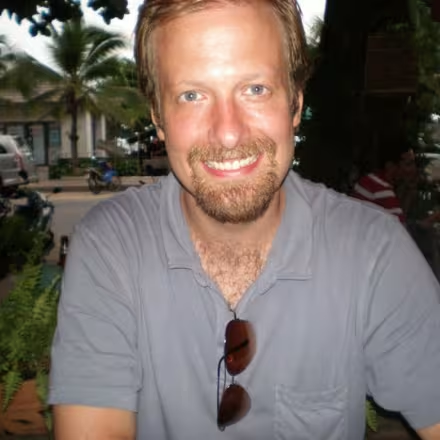
Dan Sullivan
Tutorial Coordinator
(616) 234-2267
Adjunct Faculty
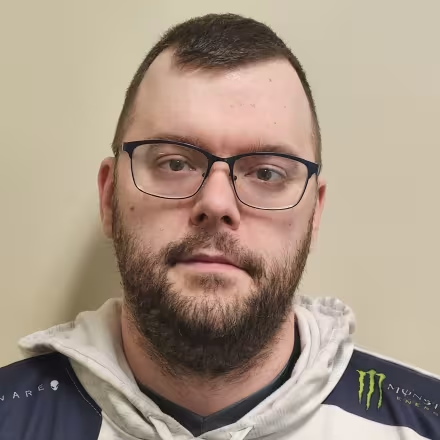
Adam Conkle
Instructor
Staff
Sydney Baker
Professional Tutor- PZLC
Madison Blanton
Professional Tutor- PZLC
Jesus Castro Reyes
Professional Tutor-ATC
Lily Hoang
Professional Tutor-BLTC
Michael Lohman
Professional Tutor- Business- Contingent
Fnu Simon
Professional Tutor-Business-Contingent
Social and Behavioral Sciences