We're Here to Help!
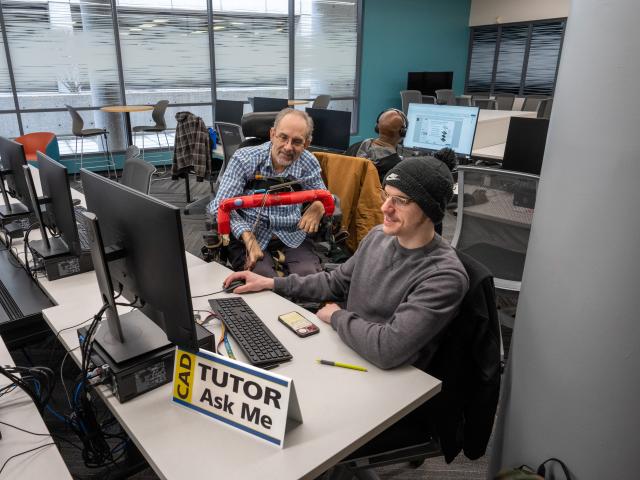
The CAD Tutoring and Learning Center provides free drop-in tutoring support for students taking Mechanical and Architectural Design/CAD classes. The tutorial lab offers student-oriented support to GRCC students during their academic experience.
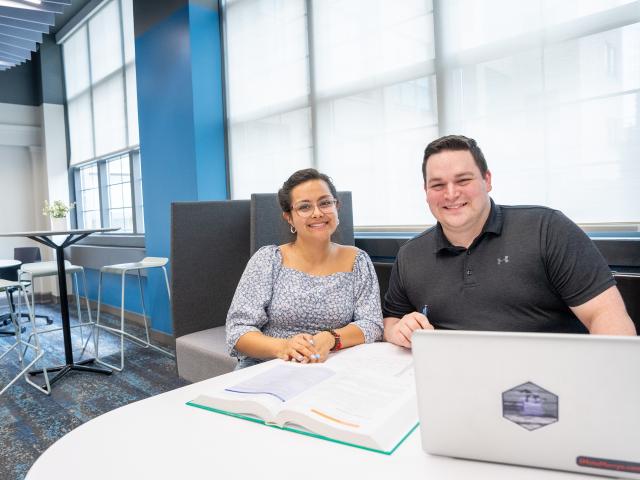
The lab provides a comfortable atmosphere where students can connect with other Mechanical and Architectural Design/CAD students and get help from both professional and peer tutors. This is a free service and no appointment is necessary.
Courses we assist with:
- All mechanical and architectural classes
- Please refer to the CAD Tutoring and Learning Center in Canvas for information regarding when someone is available to assist you with your class.
Winter 2026 Hours
January 12 - April 29
| Day | Time |
|---|---|
| Monday-Thursday | 9 a.m.-5 p.m. (In-Person) |
| Friday | 9 a.m.-1 p.m. (In-Person) |
| Friday - Sunday | Closed |
- Virtual Hours are listed in Canvas
- Hours subject to change and will vary during holidays and Finals Week. Please see Canvas for updates.
- Please refer to the desired tutorial center in Canvas for times when someone is available to help with your class.
Location
Wisner-Bottrall Applied Technology Center, Room 215, Main Campus (in the Technology Learning Center)
Tutoring Services
Tutoring services are available in a variety of delivery formats. We encourage you to connect with a subject-specific tutorial lab for support. Access to Canvas resources, including Zoom meeting rooms, are provided by each subject-specific tutorial lab.
Drop-In Tutoring Support
- In-person tutorial support is available in each subject-specific tutorial lab.
- Online tutoring support for each subject-specific tutorial lab is accessed through Canvas.
Online Tutoring
How to Connect with Online Tutoring
- Log into MyGRCC and select Canvas.
- Click on Courses → All Courses in the Canvas navigation menu and selecting the appropriate Tutoring and Learning Center.
- Read the information on the course homepage to learn about expectations and how to access online tutoring.
- Click the link provided and enter the password which is also provided.
Contact Information
Phone: (616) 234-3674
Resources
Directions to download SolidWorks 2019 2020 from the web site has been added to the Helpful Links.