Bring GRCC to your next virtual meeting!
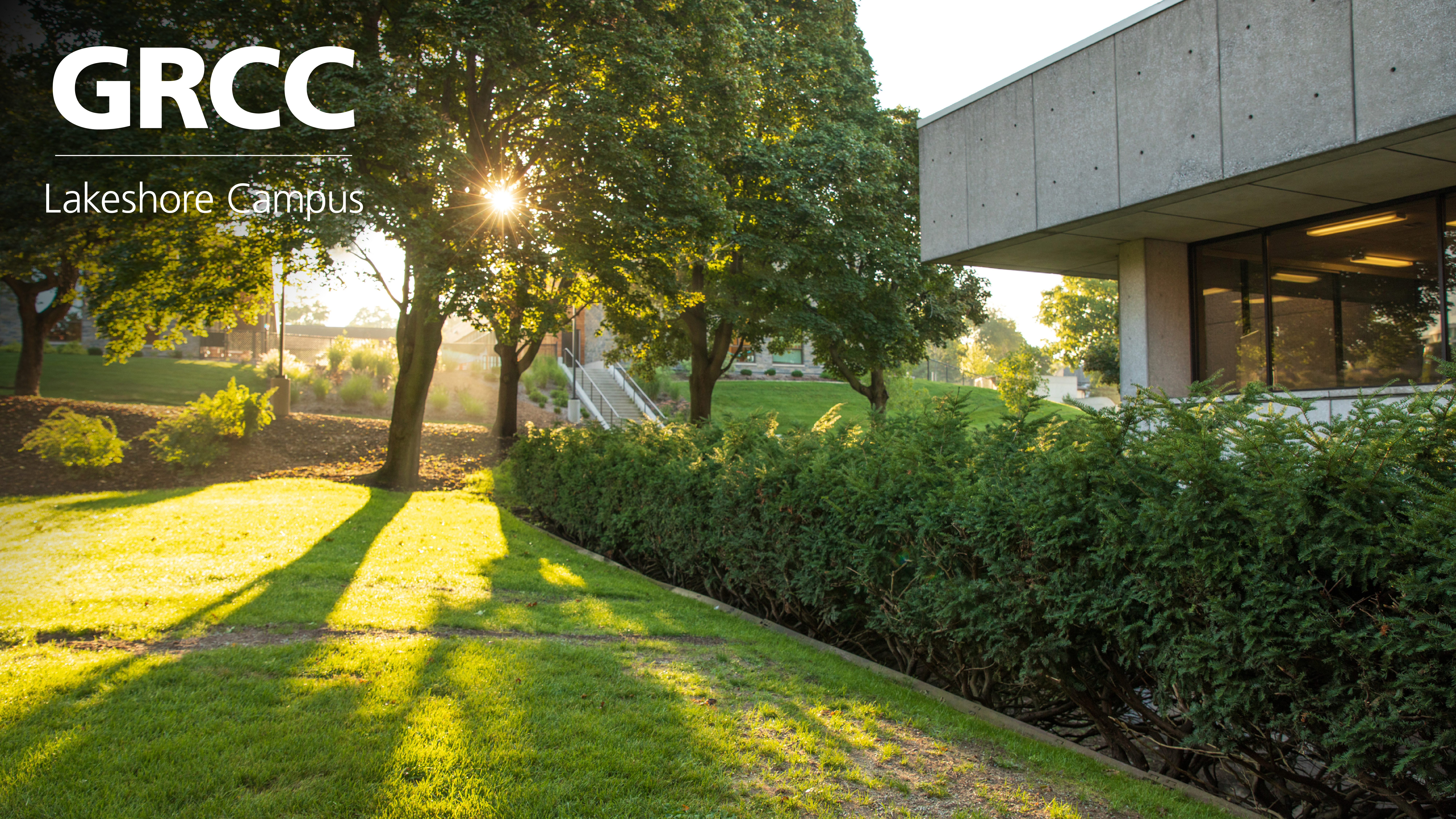
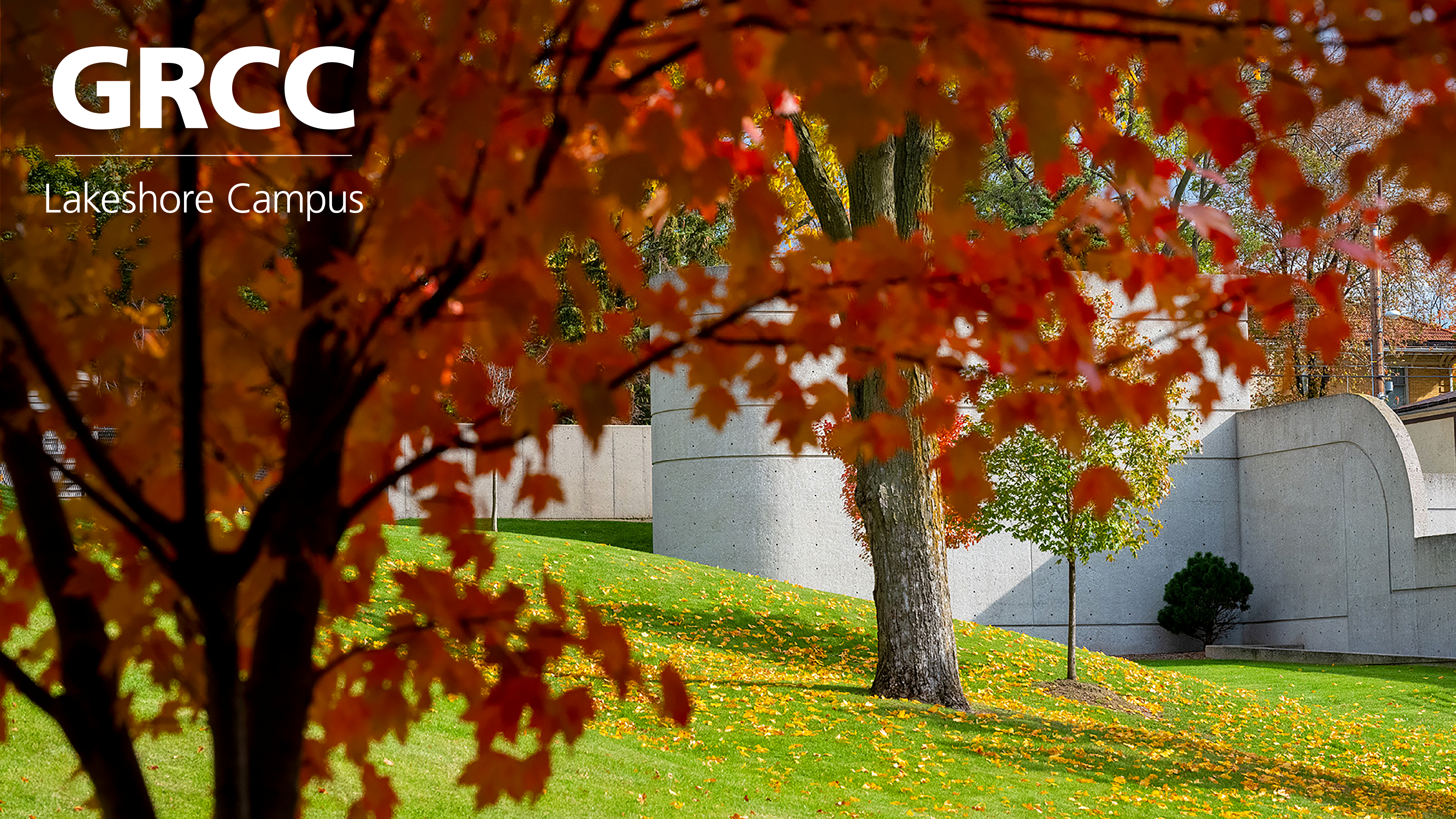
Pick a photo, click or hold on any image and save it to your computer to set it as your virtual background. Be sure to unclick the "Mirror my video" box when selecting your background so the logos are legible.
Avoid an unclear picture, or losing part of your image, by using a green screen behind your chair when you turn on your virtual background.
When you choose your background:
- Click the box for "I have a green screen"
- Click the filled in box that appears over "Mirror my video"
- Then use your curser to click on the darkest green shadow around your image
Fall
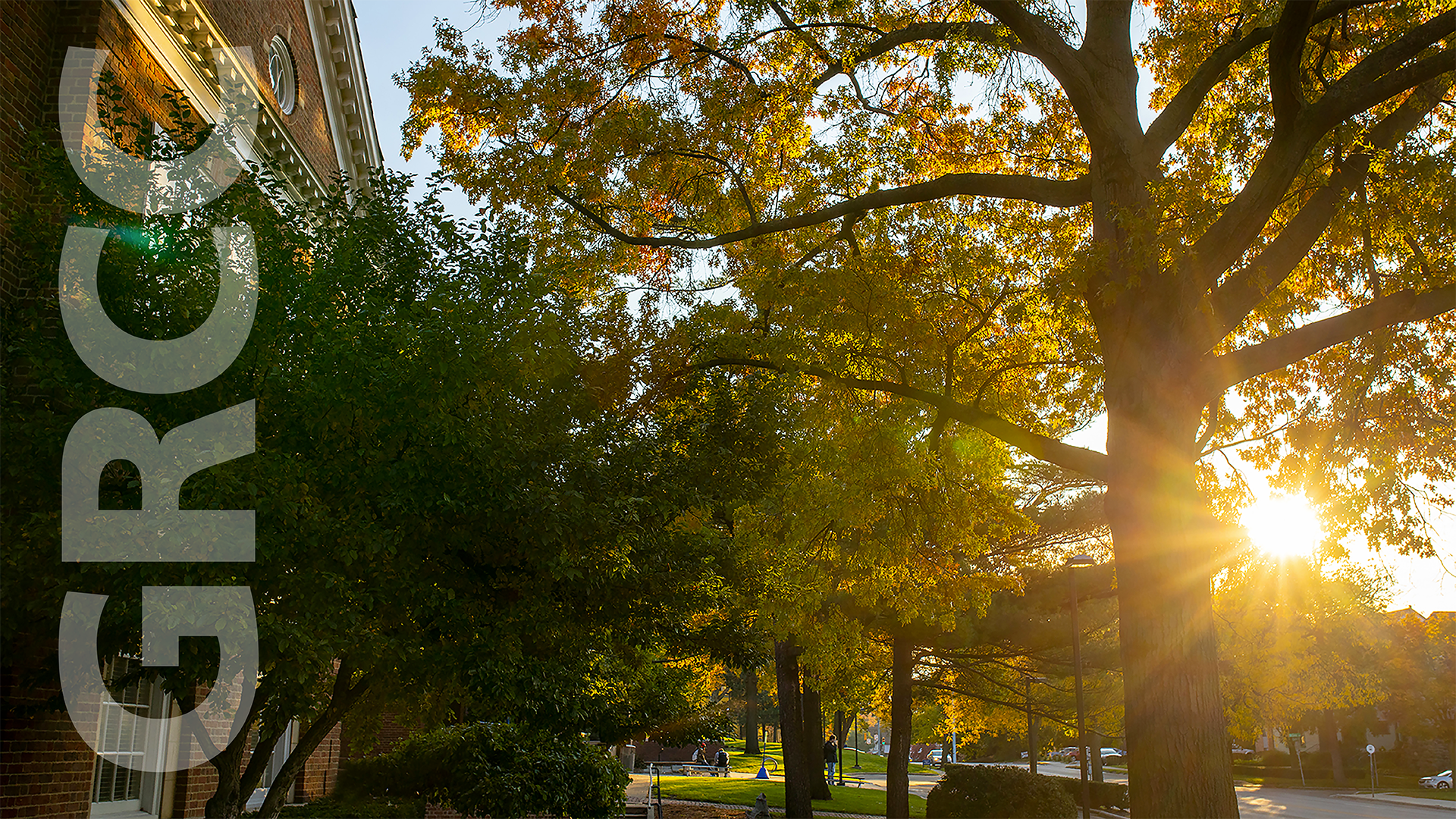
Fall
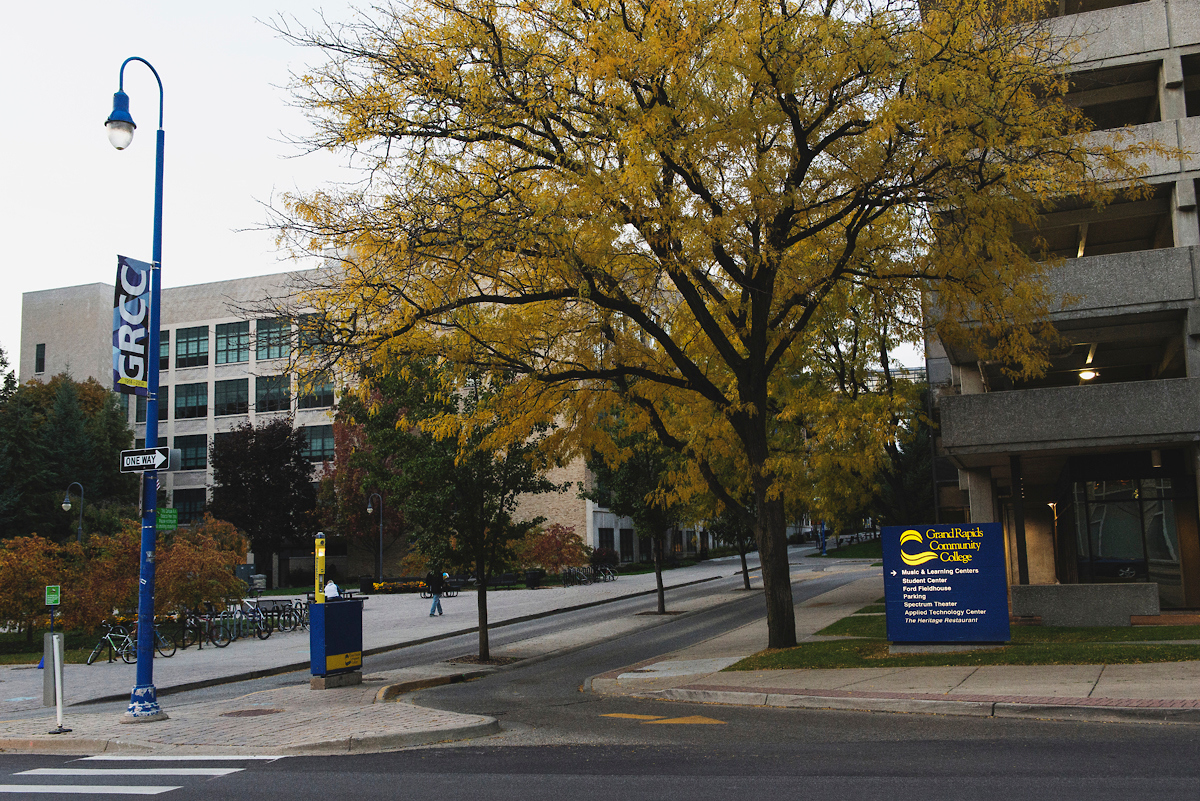
Fall
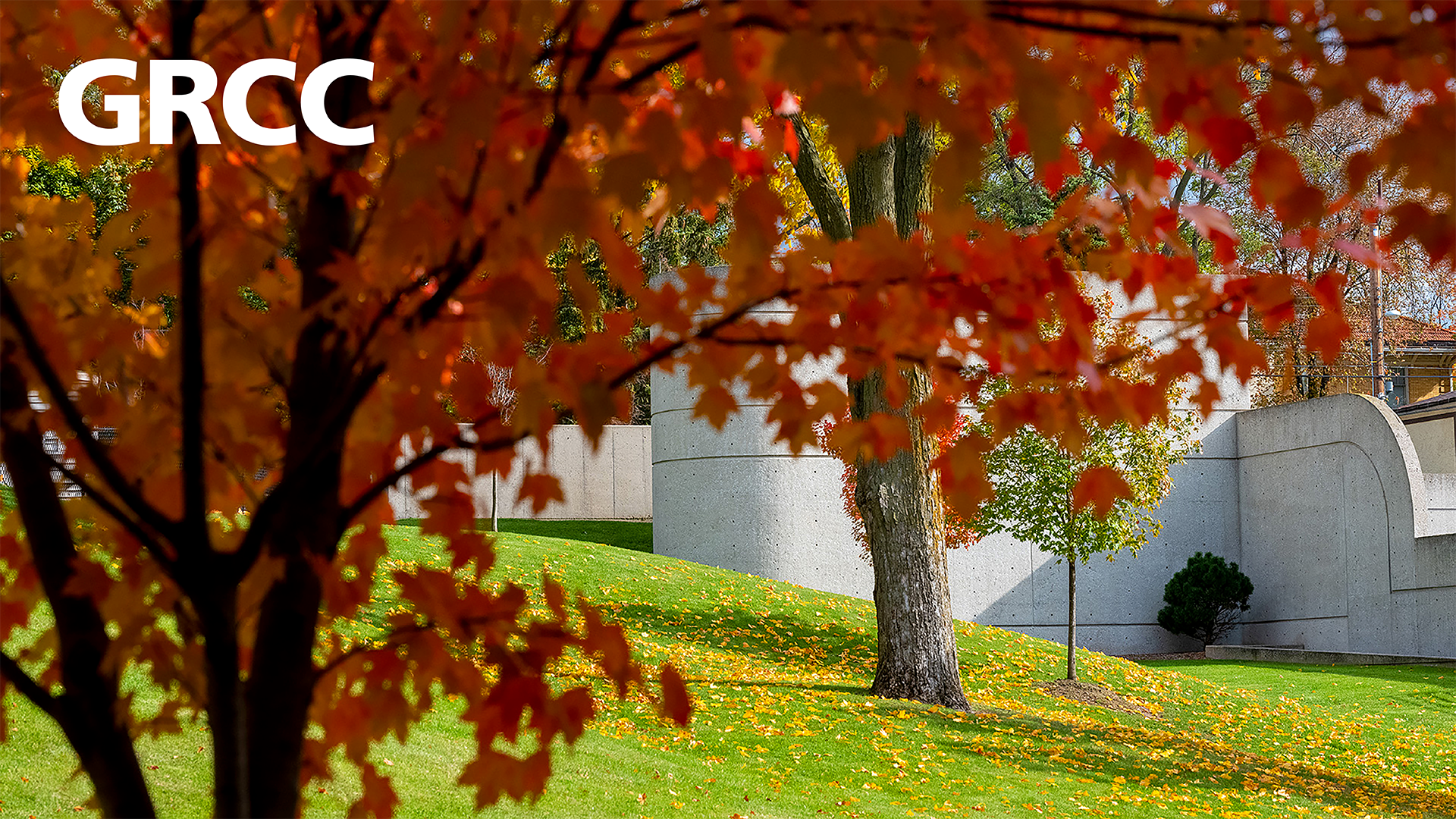
Winter
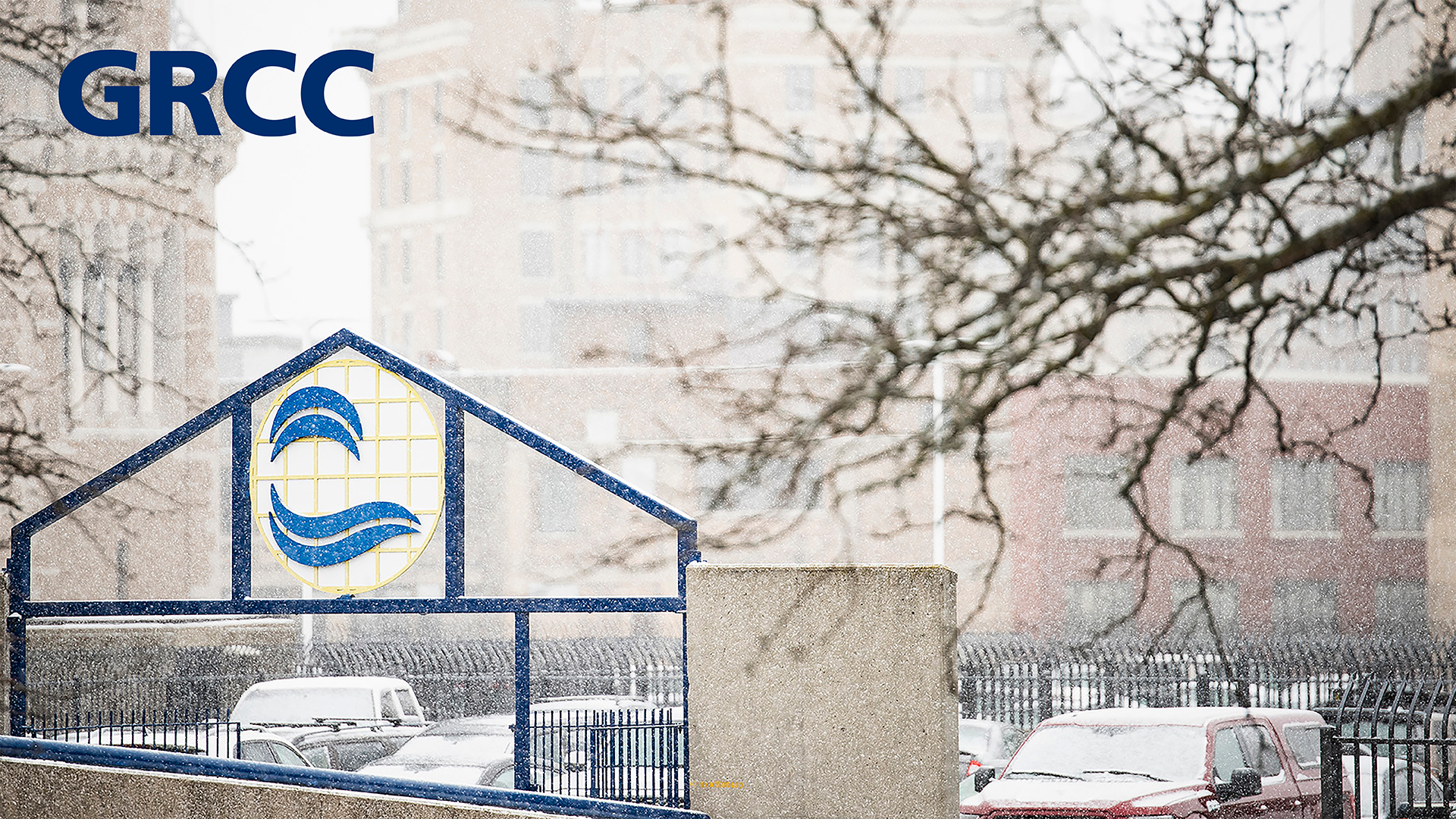
Winter

Winter

Summer
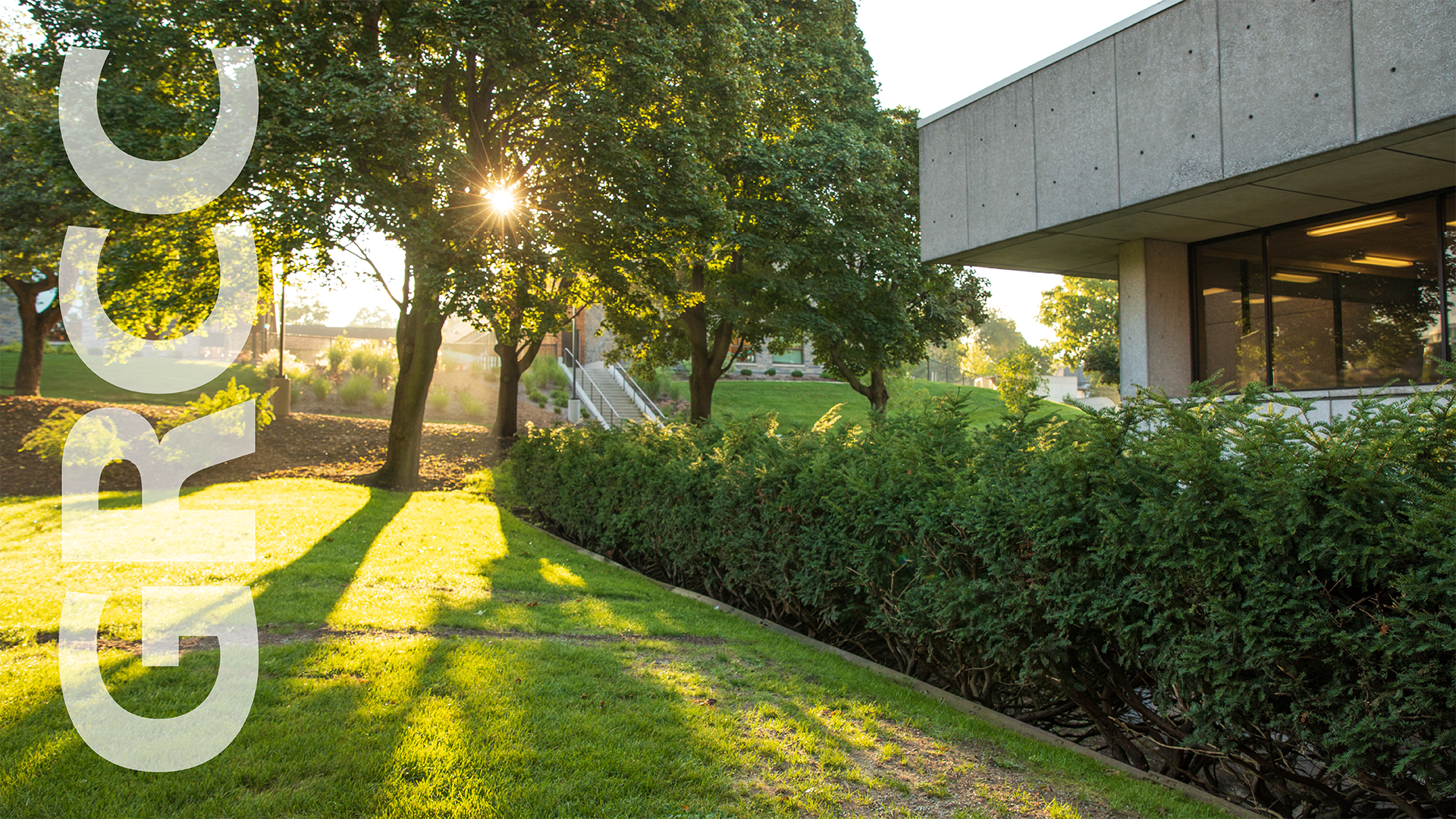
Summer
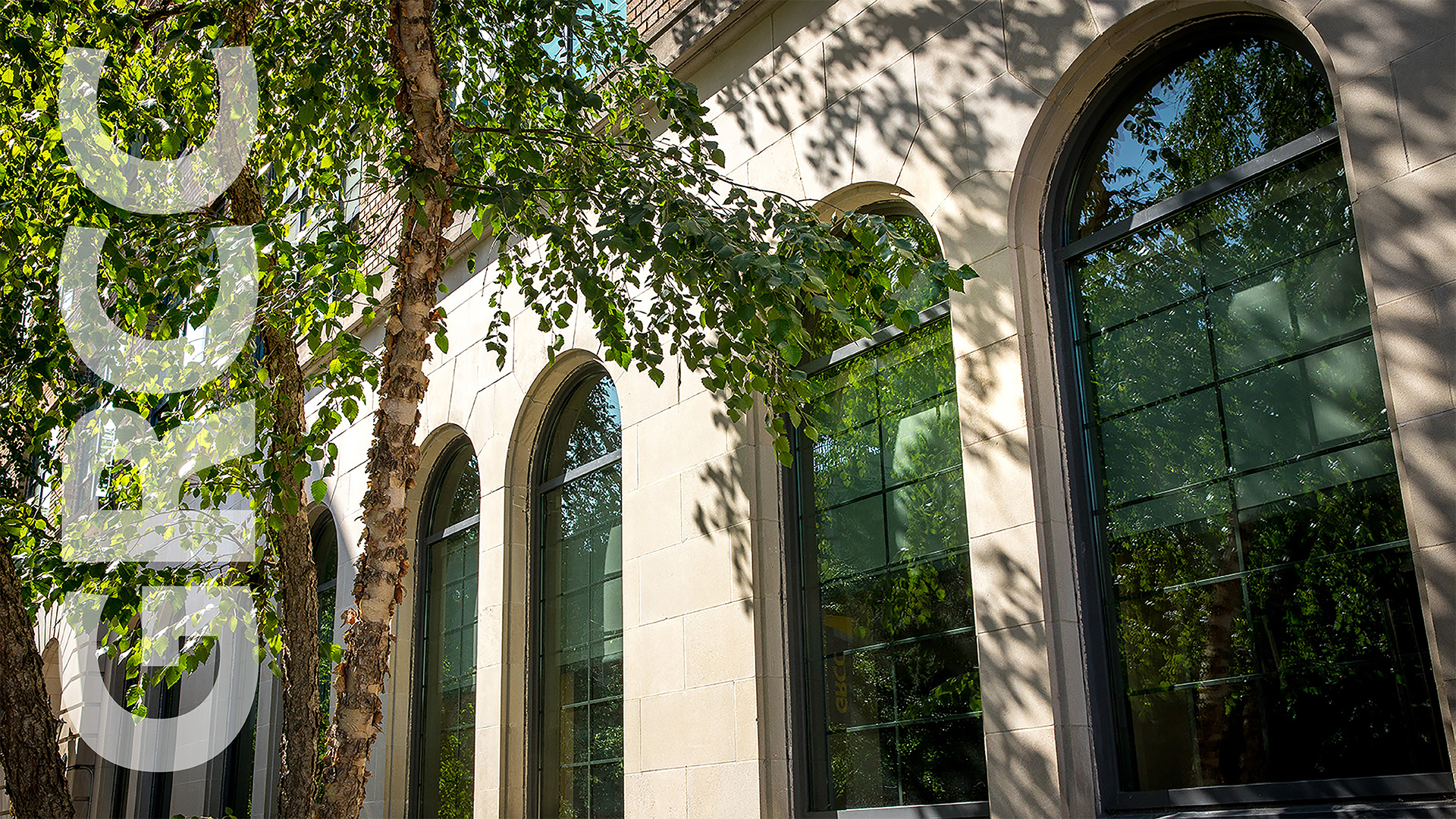
Summer
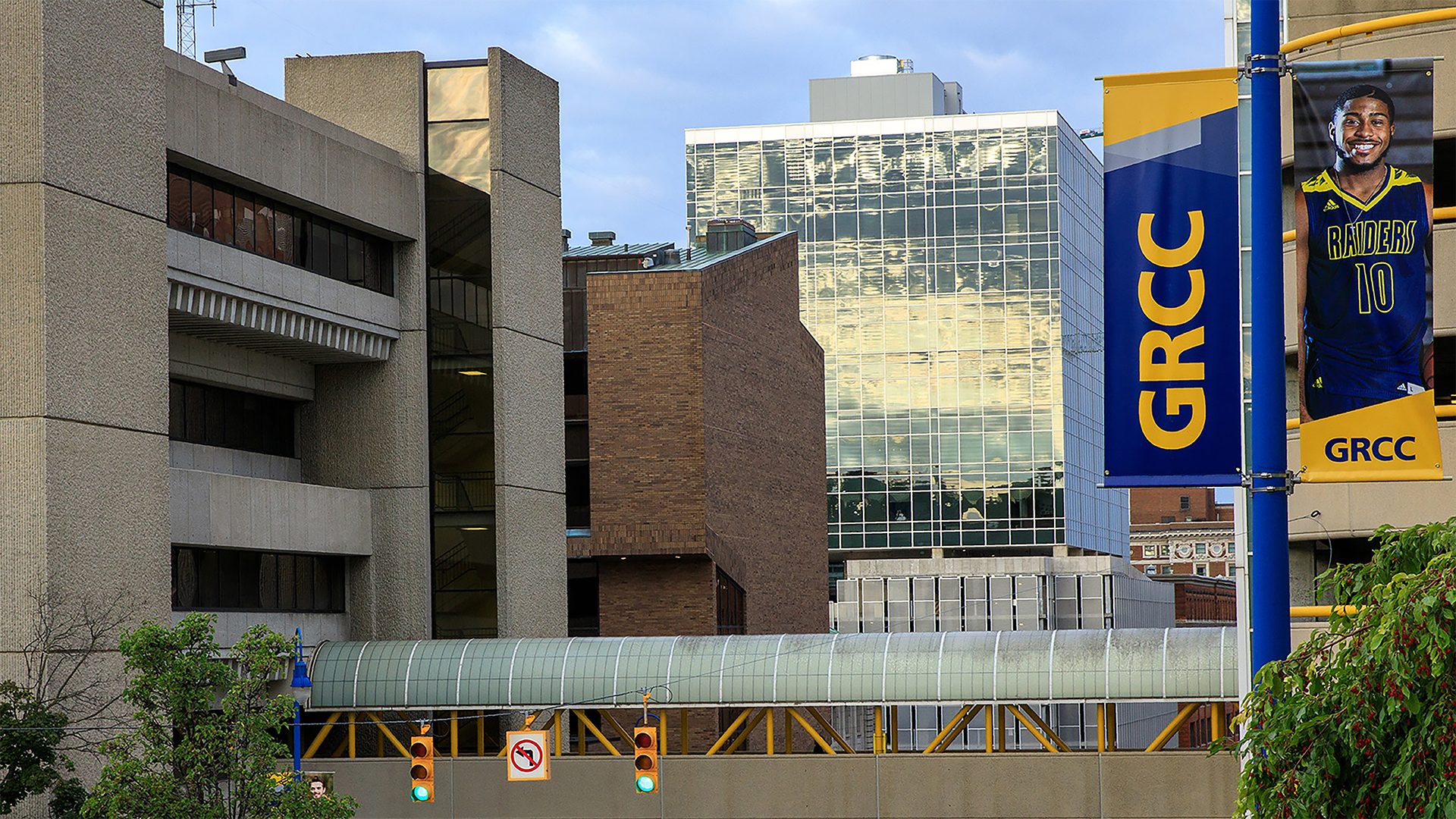
Spring
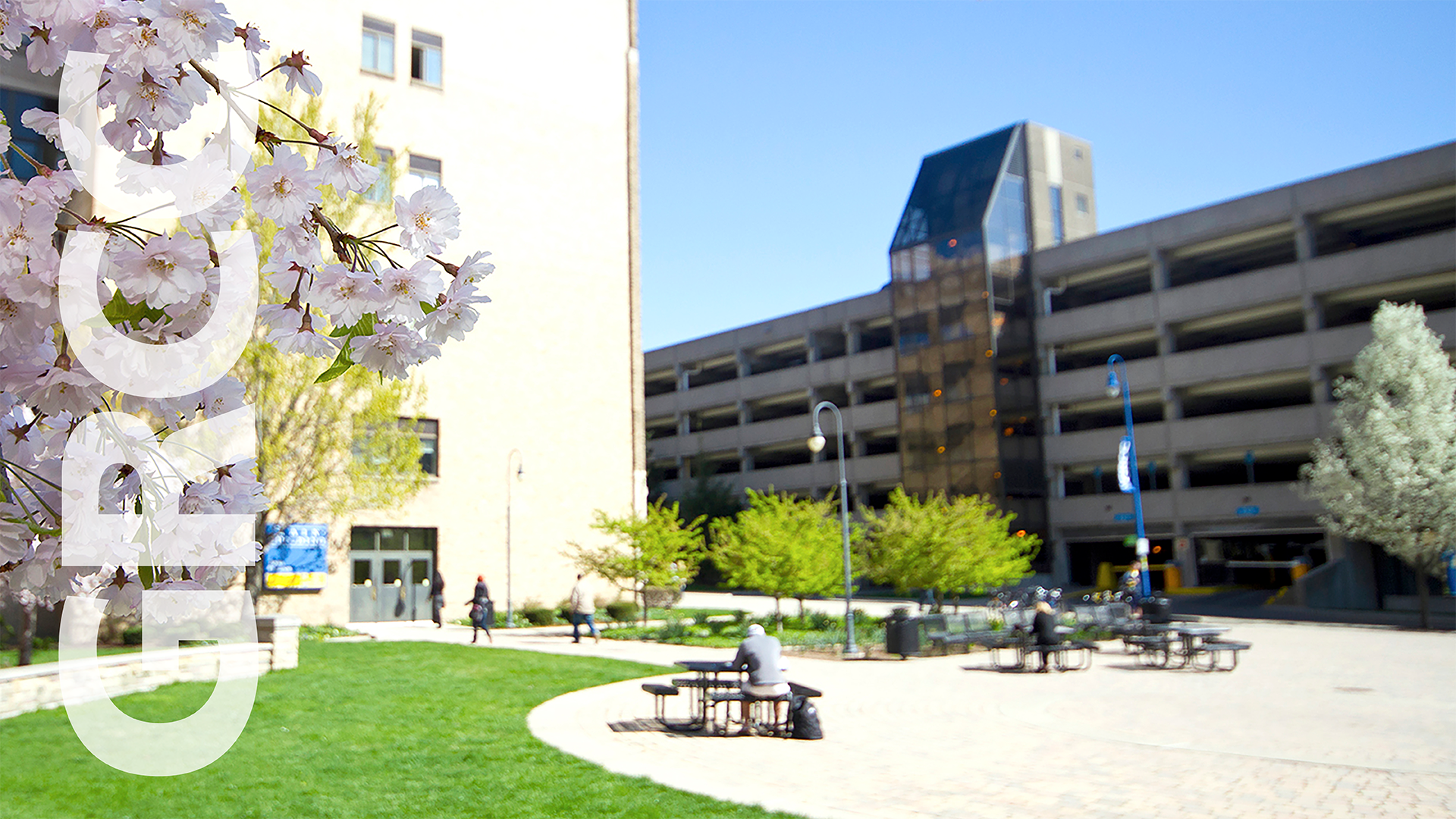
Spring
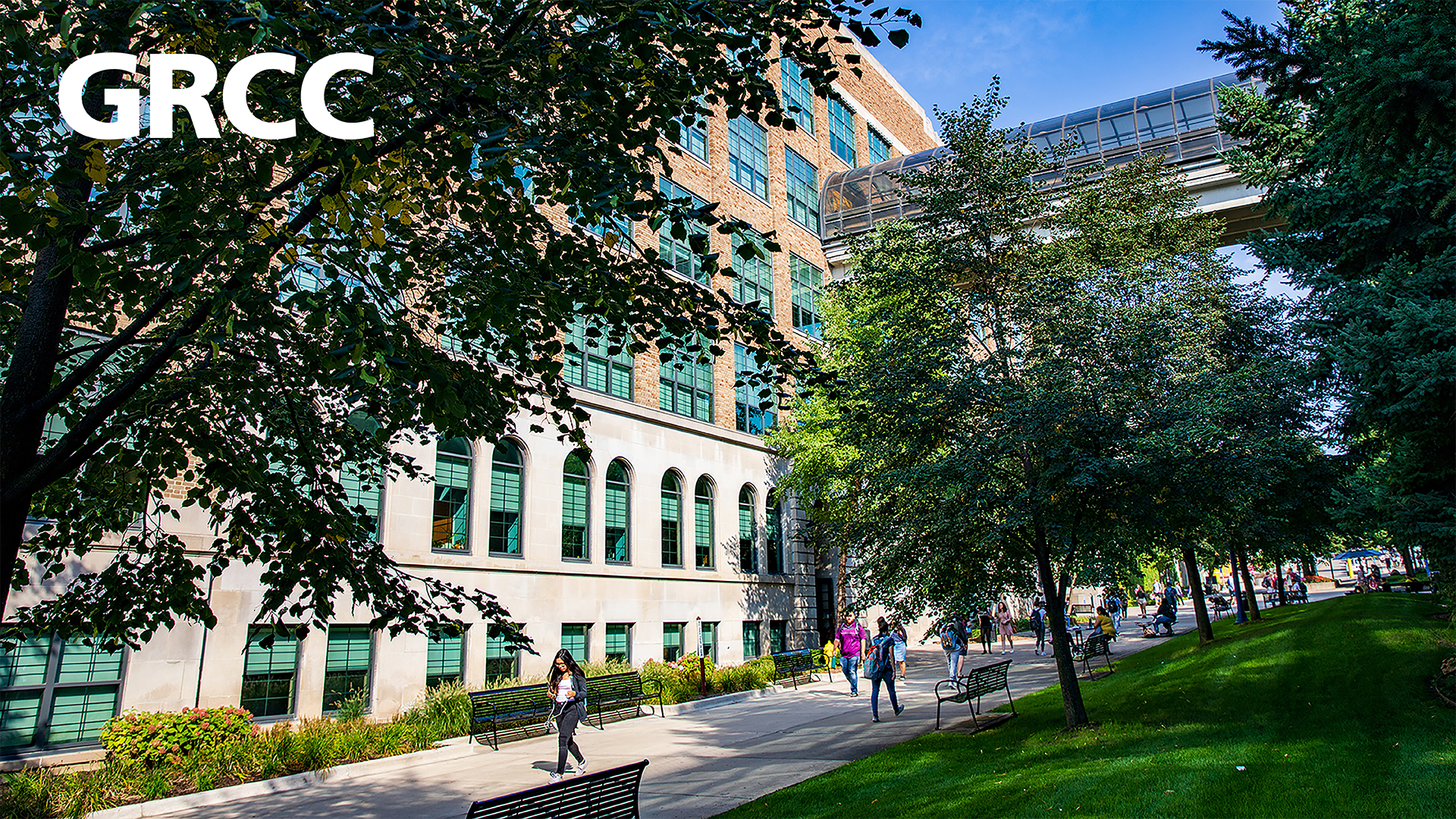
Spring
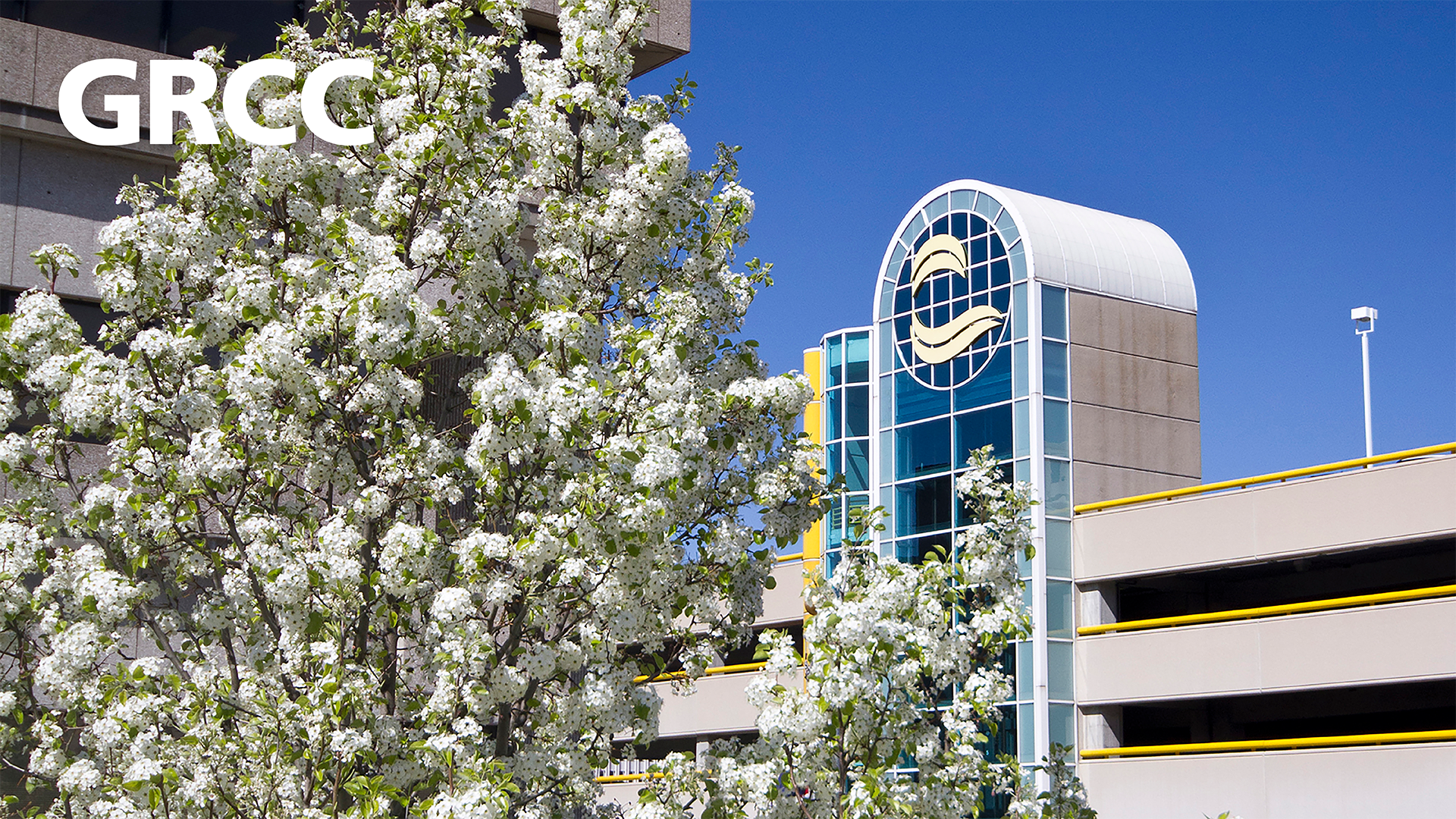
Graphic

Graphic

Graphic

Lakeshore - Summer
Lakeshore - Fall
Lakeshore - Graphic

Lakeshore - Graphic

Lakeshore - Graphic