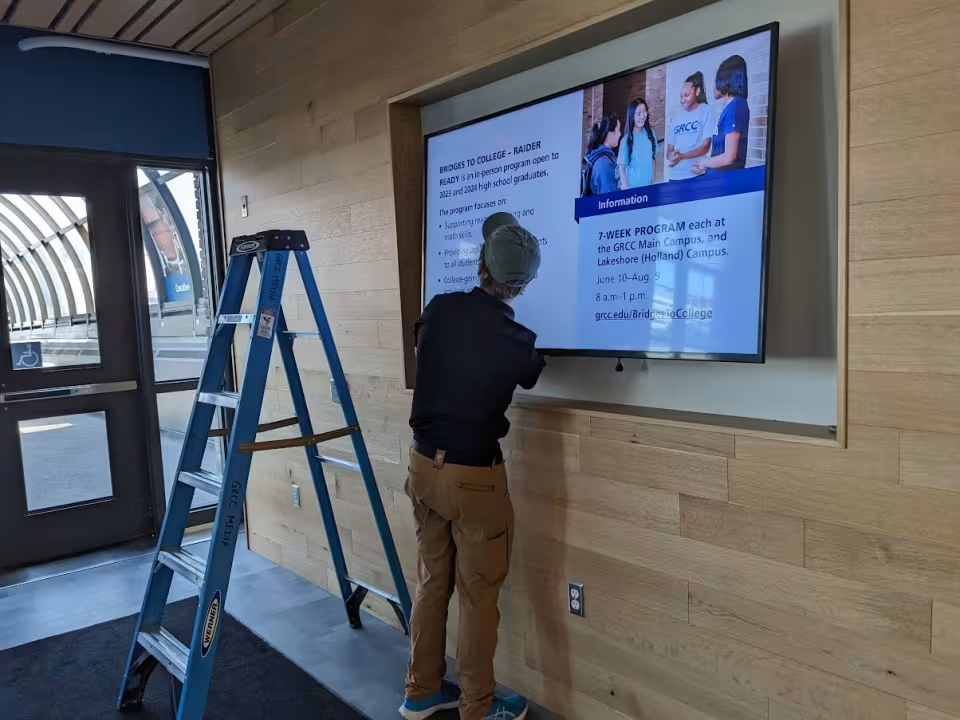
Locations
In addition, the Lakeshore Campus and the Tassell MTEC each have a digital sign in their entryways.
Digital Signage Guidelines
The digital signage system is managed by the Web and Digital Strategy team, which is part of the Marketing and Communications department.
- All digital posters must be designed and/or approved by the Marketing and Communications team to ensure they align with the college’s brand standards.
- Students may not submit design requests for digital posters. A GRCC employee or student worker may make a design request; a GRCC employee must give the final approval.
How to Request a Digital Poster (General Distribution)
- Submit a marketing request form (found on the Marketing and Communications web page). Please allow at least two weeks for design requests. Plan ahead so when the design is complete, digital posters can be up two weeks before your event. Include relevant event details and any design notes.
- Review the proof from the designers and provide any notes or feedback.
- Submit the job approval form when you’re happy with your digital poster.
- The design team will send the final poster to the web team for scheduling.
Departments can work with Marketing and Communications to create area-specific content and can request special access to co-manage content playing on their area’s screens.
Who Can Request a Digital Poster?
- Any GRCC employee can request a digital poster. Marketing and Communications cannot guarantee last-minute requests. Allow at least two weeks for design requests.
- Students may not request design services.
What Can I Request a Digital Poster For?
Digital posters should be used to communicate small bites of information.
- Student events organized by departments and community events
- Events organized by students and employee only events should not have digital posters
- Campus resources (ex: Wave cards, Navigate features)
- Academic deadlines (ex: scholarship application deadline, FAFSA reminders)
Digital Poster Best Practices
- Keep your message as short and succinct as possible, no more than 150 characters, excluding the location, time, date and call to action.
- Include a clear call to action for the user. Provide a short URL (like grcc.edu/Bus) where possible. If a short URL does not exist for the page, connect with the web team to create one (webhelp@grcc.edu). Do not include QR codes.
- If your poster is for an event, it should circulate for at least two weeks prior to the event.
Request a New Digital Sign or Access to an Existing One
Faculty and staff interested in adding a sign or helping co-manage content on an existing one can complete the request form.